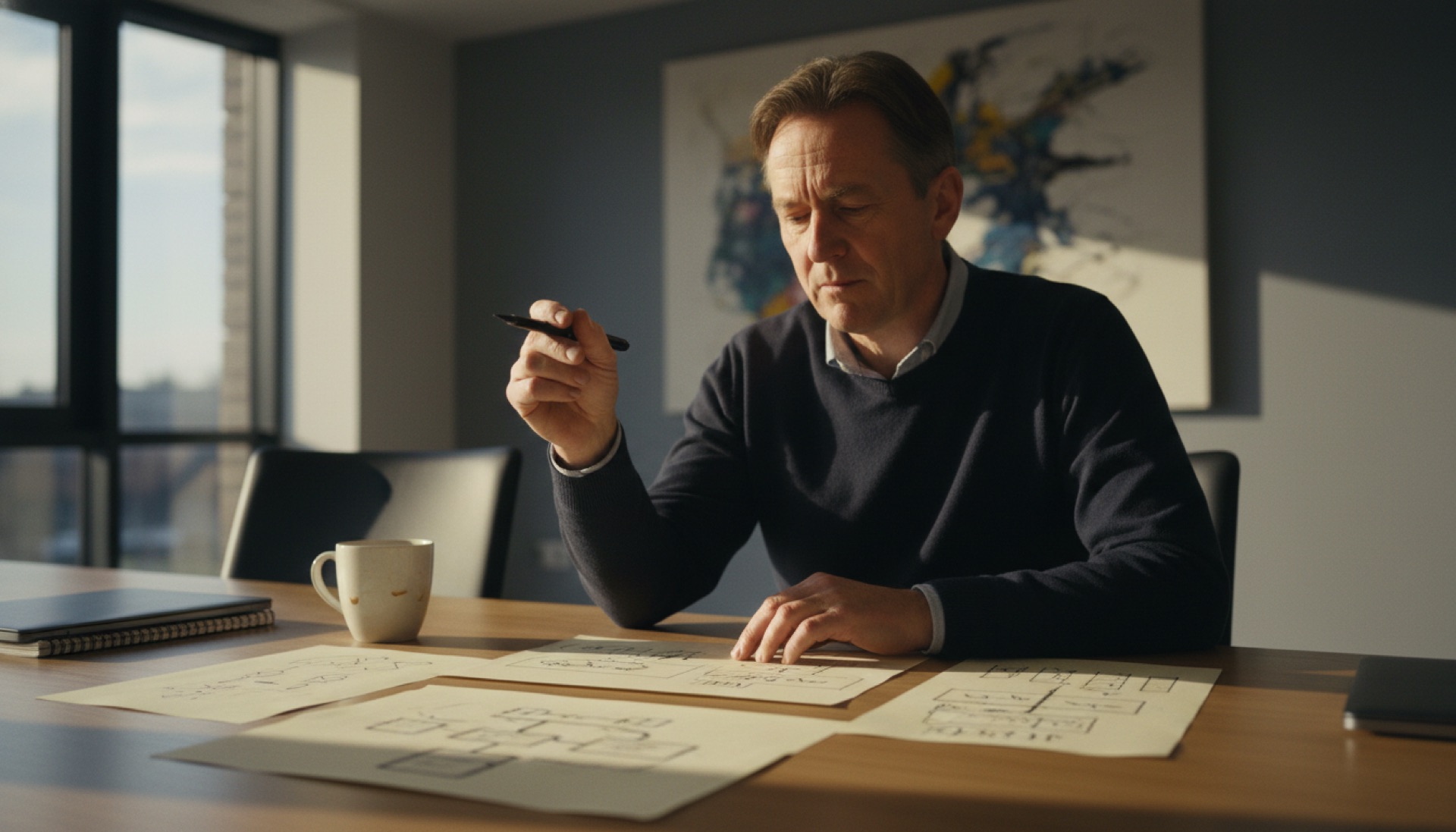
A 20-person consulting firm deployed Fireflies across all calls last quarter. Within four weeks, two clients had explicitly asked not to record. One renegotiated the engagement scope to exclude AI tooling. Internally, the team reported a subtle change. Staff felt they were performing on calls, choosing words more carefully, the conversation flatter. The firm switched external calls to Granola for local capture and kept Fireflies for internal meetings. Both quiet wins, properly separate.
This is the meeting AI mistake that does not show up in vendor demos. The time savings are real. The category many owners reach for first (bot-based, easy setup, deep CRM integration) is the wrong choice for the calls that matter most. The fix is a different tool for a different meeting type, not a better tool overall.
What is the difference between bot and local capture?
Bot-based meeting tools (Fireflies, Otter, Fathom, Avoma) join the video call as a visible participant. The bot appears in the participant list, often introduces itself, and records the conversation from the platform’s perspective. Local-capture tools (Granola, Jamie) record audio from the host’s device without joining the call. The other participants see only the people they are talking to. The host knows the recording is happening. Nobody else does, unless told.
The category split shows up clearly in the time-saving numbers. Both deliver similar results. For a one-hour meeting, 4 to 6 hours of manual transcription drops to 5 to 15 minutes of review; 15 to 30 minutes of action-item extraction drops to 2 to 5 minutes; net 2 to 4 hours saved per meeting in post-meeting overhead. The technology is comparable. The deployment friction is not.
For a consulting firm running 10 to 15 client meetings a week, that operational saving is large enough to fund the tool many times over. The category choice is what determines whether the saving lasts beyond the first month.
Why does the bot create client discomfort?
Clients notice when a bot joins. Many professional services clients expect the call to be a private, focused conversation. The visible bot signals “this conversation is being recorded by a third-party platform” in a way that human note-taking does not. Some clients ask explicitly not to record. Some say nothing and just become more guarded. Either response defeats the purpose of the tool. A guarded conversation is worse than an unrecorded one.
The reason the discomfort is rarely articulated is that clients often cannot name what feels off. They sense an additional presence and adjust accordingly. The advisor experiences a flatter conversation and a less productive call without realising the bot is the cause.
Local-capture tools sidestep the issue. The advisor’s laptop records audio from the device’s microphone, the platform sees only humans, and the client experiences the same call they would have had without AI. The recording quality drops slightly because only one device is capturing audio (the host’s), but the conversation quality holds.
When does the bot category actually fit?
Internal meetings are the natural home for bot-based capture. Team stand-ups, internal project reviews, planning sessions. There is no client to discomfort. Audio quality is uniform across participants because everyone is on the same platform with similar setups. Action items, decisions, and follow-ups need to be tracked across multiple devices, which is exactly what bots are good at.
Sales calls integrated with a CRM are another fit. Tools like Fathom and Avoma push transcripts and action items directly into Salesforce or HubSpot deal records, which speeds up pipeline updates and means the sales lead does not have to retype meeting notes. The trade-off (visible bot in the call) is acceptable in many sales contexts because clients expect some record of the conversation in a CRM workflow.
Client-facing professional services calls are where the bot category fails. Confidential advisory work, sensitive engagement discussions, anything where the client is processing emotionally or making a strategic call. Local capture or no capture is the right answer in those contexts.
What is the realistic cost and saving?
For a 5 to 15 person services firm, the most economical setup is Granola or Jamie at £15 to £30 per user per month for external calls, plus native recording in Teams, Zoom, or Google Meet for internal meetings (usually included in productivity stack). Total tool spend is typically £100 to £300 a month for the firm.
The time savings are large enough that ROI lands in weeks. A 15-person consulting firm running 10 to 15 client meetings per week recovers 17 to 28 hours a week of post-meeting admin. At loaded consulting staff rates of £40 an hour, that is £36,000 to £59,000 a year. Tool cost £2,400 to £4,800 a year. Net annual benefit £31,000 to £55,000. Payback in 2 to 4 weeks.
For a 10-person legal practice running 5 to 8 client meetings a week, the numbers scale down but the ratio holds. 10 to 24 hours a week recovered, £20,000 to £50,000 annual benefit, £1,200 to £3,600 annual tool cost, payback in 1 to 3 weeks.
What does AI not do in meeting capture?
AI does not capture intent, judgement, or what the client actually needs. The transcript reflects what was said. The summary reflects what the AI extracted. Neither captures the moment when the client looked away before answering, or the question they did not ask, or the concern that came through in tone rather than words. Those signals still depend on the practitioner being present and noticing.
The post-meeting interpretation step is still real work. Practitioners spend 15 to 30 minutes reviewing the AI-generated summary, correcting misattributions, adding context the AI missed, and turning raw action items into something a client would recognise as the agreed plan. The AI compresses the mechanical layer. It does not replace the interpretation layer.
This is the framing that protects against disappointment. Owners who expect AI to remove the entire post-meeting overhead are surprised when the saved time is 80 percent rather than 100 percent. Owners who expect AI to remove the mechanical layer and free time for interpretation get exactly what they were promised.
Where do compliance gates land?
For legal practices, recording client calls without explicit consent may breach professional standards even where it is permissible under one-party-consent rules. The SRA does not prohibit recording, but firms must ensure recordings are handled securely and confidentiality is maintained. Explicit client consent is best practice, written into the engagement letter or asked at the start of the call.
For healthcare clinics, recording patient calls is regulated. NHS Digital governance plus UK GDPR require explicit patient consent before recording, a clear purpose for the recording, and a defined retention period (typically 6 to 12 months unless there is a clinical or legal reason to retain longer).
For financial services firms regulated by the FCA, customer call recording is often required for compliance, and many firms record without explicit notification under their existing regulatory framework. AI processing of recorded calls requires a Data Processing Agreement with the AI vendor.
The protocol is consistent across sectors. Get explicit consent, deploy a tool with a DPA, review the data retention default, and document the decision. Local-capture tools and bot-based tools both meet these requirements when deployed properly.
If you are choosing between bot and local capture for the meetings that matter most in your firm, the choice is rarely about features. It is about which conversation you are protecting and which one you are documenting. Book a conversation.